Blur Image
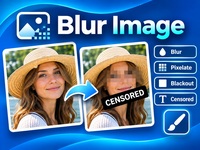
Blur Image lets you protect sensitive details in photos with blur, pixelation or solid black masking. Select an area or paint directly onto your image, add custom CENSORED labels, and download the edited result. Simple, private and processed directly in your browser.
Paint directly on the image, or drag to select a rectangular area. The selected tool is applied to the area when you release.
Tutorial: How to Blur an Image
-
Open Blur Image and upload your picture.
-
Choose the Brush or Area Selection tool.
-
Select an effect: Blur, Pixelate or Black Mask.
-
Adjust the brush size or selection area.
-
Apply the effect to hide faces, text, license plates or other details.
-
Add a CENSORED label if needed. Customize its text, color and rotation.
-
Use Undo or Redo to adjust your edits.
-
Choose PNG, JPG or WebP and download your image.